Techbot

Odoo Pricing Guide for the UAE 2026 | Key Factors to Consider Before Your Implementation

Odoo Pricing Guide for the UAE 2026 | Key Factors to Consider Before Your Implementation

Avatar photo

Moossa M. Alavi

Moossa M. Alavi is the Founder & CEO of Techbot ERP and Altamyz Advertising. He is a certified Odoo consultant with more than 27 years of experience in business, advertising, and ERP software. Moossa started his career in the UAE in 1997 with a well-known group in Abu Dhabi. Over the years, he built his own companies to help other businesses work better using technology. Moossa helps with customized ERP implementation for various industries, including manufacturing, insurance, supercar rental, and logistics, through Techbot ERP. He resolves these issues with Odoo ERP and supports businesses in growing with the right assets and guidance. Moossa has received many awards for his work, including the Arabian Best of Best Award and the Industry Leader Award from BNI UAE. He is also a BNI Ambassador and mentors other business owners. He believes in giving back to the community and helping others grow, following the “Givers Gain” principle.

Disclaimer:
This blog does not provide exact figures. Instead, it outlines the key factors you should consider when evaluating your Odoo implementation budget.
Read the TL;DR version (quick summary)

Understanding What Influences Your Odoo Pricing

Before diving into the details of Odoo pricing, it’s important to understand that no two businesses will have the exact same cost. Odoo’s pricing structure depends on several variables, and because every business has different workflows, team sizes, and module needs, giving a single fixed estimate is impossible.

If you’re trying to estimate your Odoo cost in the UAE, this guide gives a clear breakdown of every factor that affects the final price. These essentials we detail determine the baseline of your Odoo cost and are the first things you should consider when estimating your budget.

Below, we break down these key factors to help you understand what impacts your Odoo pricing the most.

Number of Users

Pricing is per user/month.

More users = higher subscription cost.

A user is any person who needs backend access to Odoo to do things like:

  • Create or edit records
  • Approve tasks
  • Manage inventory
  • Send invoices
  • Update CRM deals
  • Run reports
  • Access settings

Who does NOT count as a user?

Employees who only use a portal.

‍Portal access is free. Portal users can log in to a simple interface that lets them view their documents, track orders, check tickets, and approve or comment when allowed.

Typical real-world example

A company with 100 employees may only need 7–15 actual Odoo users, such as:

  • 3 salespeople
  • 2 accountants
  • 2 operations staff
  • 1 HR admin
  • 1 manager

The rest of the company never logs into the backend, so they don’t need user licenses.

Implementation

Even though Odoo provides the software, most businesses rely on
certified Odoo partners to set up the system correctly,
customize workflows, and ensure a smooth transition.

Here’s how we handle Odoo Implementation!

These four subcategories break down the implementation in terms of cost :-

1. Modules

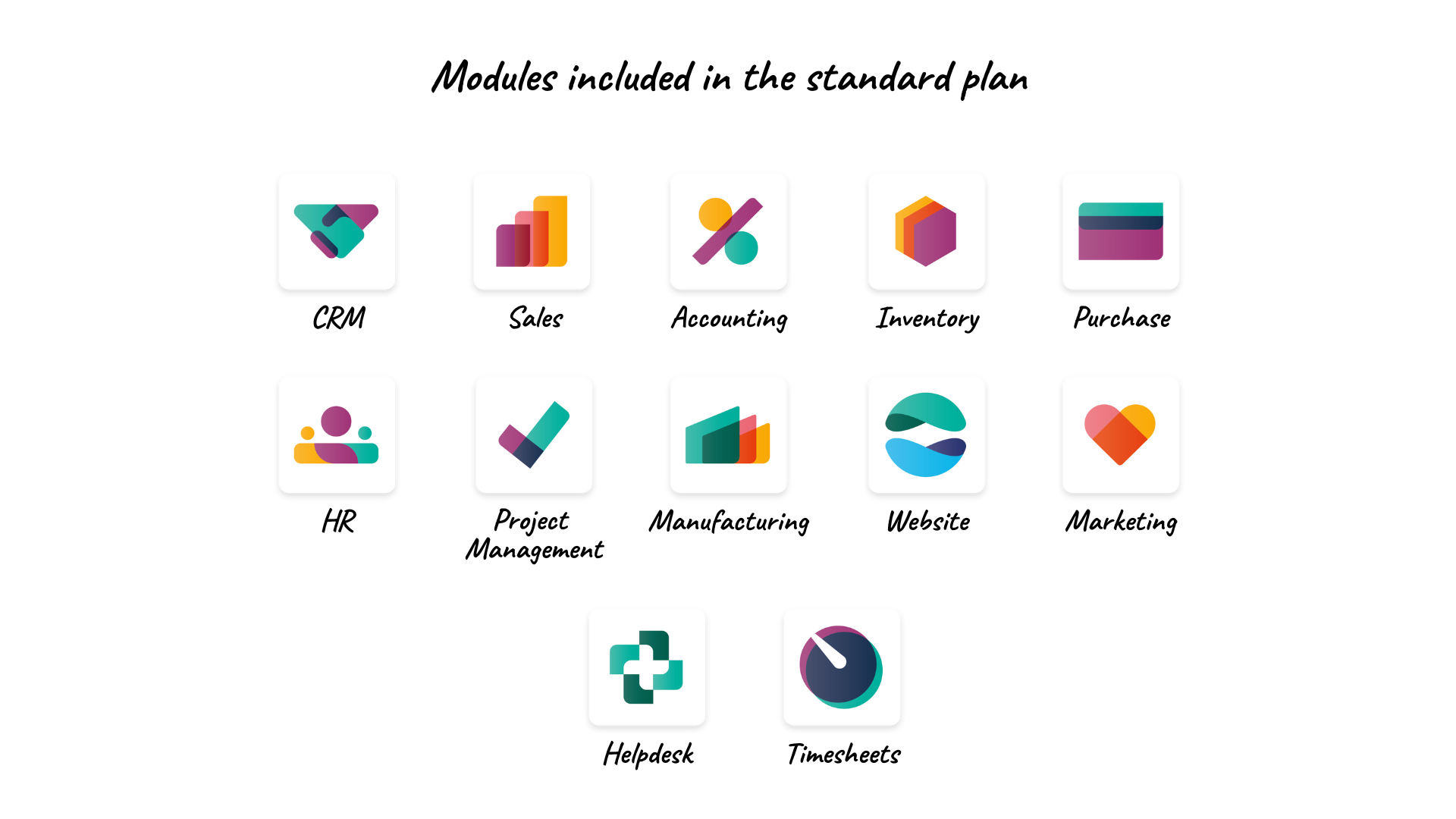
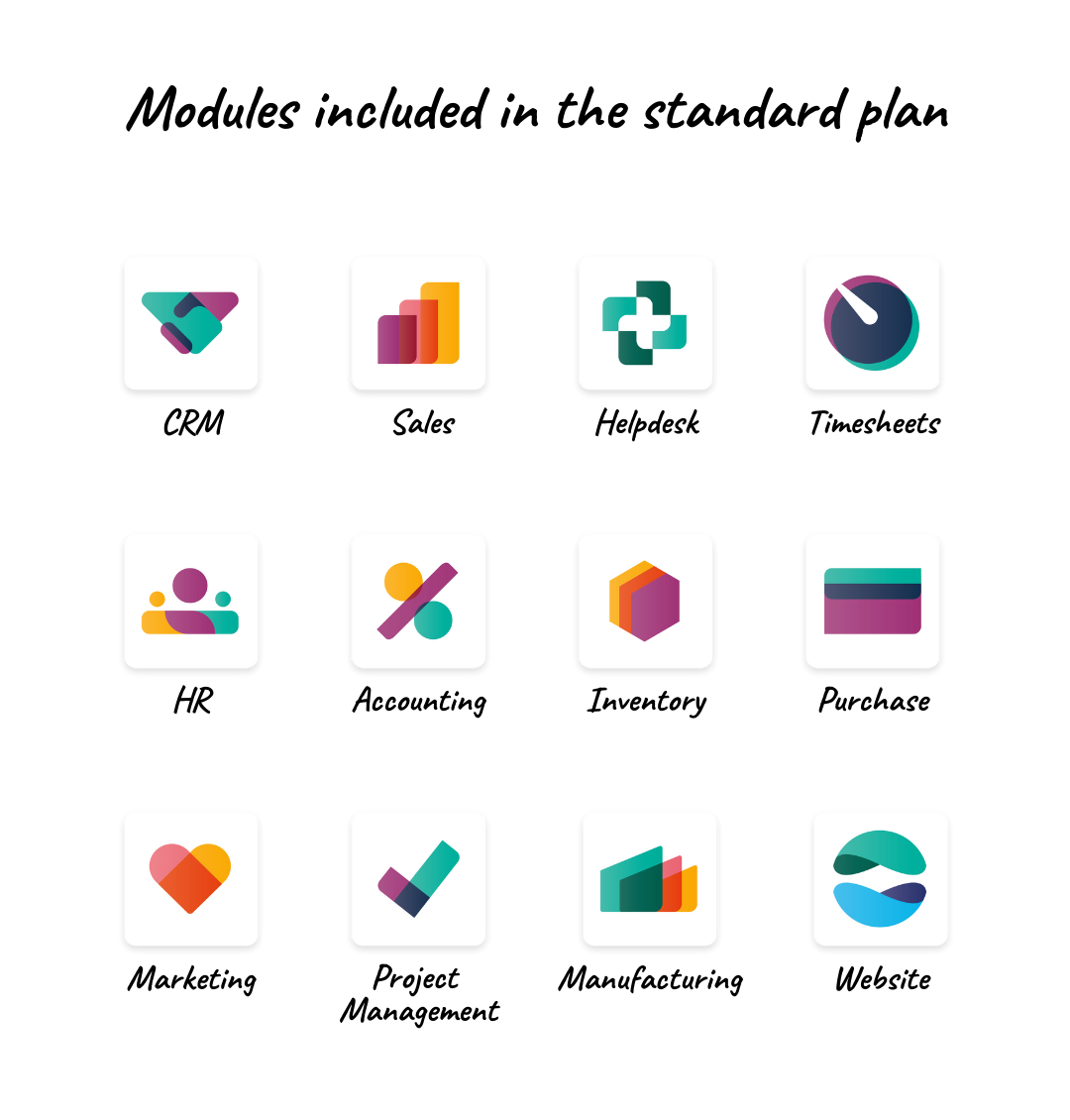
When you buy the standard Odoo plan, you get all 12 core modules (listed below). You only pay for additional ones.

However, modules can affect your total cost indirectly:

  1. Implementation effort – Using many modules may require more setup, configuration, or partner support.
  2. More users – If more staff need to access these modules, your per-user subscription cost goes up.
  3. Custom or third-party modules – Extra apps or custom features may have separate fees.

In short: Standard modules are included, but more users, setup, and custom apps can increase your total cost.

Modules included in the standard plan:

List of Odoo standard modules included in the plan, such as CRM, Sales, Accounting, Inventory, HR, Manufacturing, Website, and Helpdesk

2. Customization Hours

The total time required to tailor Odoo to your specific workflows, add custom features, or modify existing modules to match your business needs.

3. On-site Man-days

The number of days our consultants spend at your location to configure the system, train staff, and ensure everything runs smoothly.

4. Number of companies

The total instances or business entities you plan to manage in Odoo, as each company may require separate configurations and data setup.

For a full overview of our Odoo services, visit our homepage!

Support / AMC

An AMC (Annual Maintenance Contract) is basically a yearly service agreement that ensures your Odoo system keeps working smoothly after the initial setup. In our case,

  • We provide an initial support of 3 months for free.
  • After that, clients can opt for an AMC, which is typically
    25% of the implementation fees per year and provides ongoing, annual support.

For more details on our approach to support and AMC

Odoo Edition / Hosting Type

This refers to how and where your Odoo system is hosted, which affects both cost and setup.

You can choose:

1. Odoo Online (Cloud / SaaS) (FREE)

  • Fully hosted by Odoo, with automatic updates, backups, and maintenance.
  • Odoo Online is easy to use, but it doesn’t allow customizations.

2. Odoo.sh (Managed Cloud Platform)

  • This is also hosted by Odoo, but unlike Odoo Online, it gives you full freedom to customize, install your own modules, and develop anything you need. While Odoo still handles hosting, backups, and server management for you.

3. Self-Hosted

  • You manage everything yourself: server setup, updates, security, backups, and performance.
  • It’s the best choice for businesses that need deep customization, full data control, or specific infrastructure requirements.

4. Partner Managed Hosting

  • Your partner provides the server, handles setup, takes care of maintenance, monitors performance, applies updates, and manages backups. Giving you a fully managed, worry-free environment tailored to your needs.

Partner Support

What Partners Do That Odoo Doesn’t

We handle tasks that Odoo alone does not:

  • Custom configuration of modules and workflows to fit your unique business processes
  • Data migration from legacy systems or spreadsheets
  • Integration with other software your company uses
  • Training employees so they can use the system efficiently
  • Ongoing support and troubleshooting for issues specific to your setup
  • Ensuring best practices that reduce errors and maximize ROI

In short: partners bridge the gap between the software and your actual business operations, making sure Odoo works for your specific needs.

Read more about our Odoo support approach!

Support levels

  • Basic setup – A simple installation and configuration for small businesses, generally the lowest partner cost.
  • Full implementation – Complete setup, data migration, training, and ongoing support for medium to large companies, which commands a higher price.

For precise, personalized pricing, reach out to us and we’ll guide you!

Transform the way you manage projects, sales, and finance with Odoo ERP designed for UAE real estate management.

TL;DR: Odoo Pricing Guide for the UAE

  • Costs vary by business:
    No two companies have the same price; depends on users, modules, customization, and implementation needs.
  • Users matter:
    Only backend users count for subscription; portal users are free.
  • Implementation:
    Partners help with module setup, customization, on-site support, and managing multiple companies. Learn more
  • Support / AMC:
    Initial 3 months free, then optional AMC (≈25% of implementation fees per year) for ongoing support. Details here
  • Hosting options:
    Odoo Online (cloud), Odoo.sh (managed cloud), Self-Hosted, or Partner Managed Hosting.
    Each has different flexibility and cost.
  • Partner support adds value: Custom workflows, data migration, integrations, employee training, ongoing troubleshooting, and best practices.
  • Support levels:
    Basic setup (small businesses) vs Full implementation (medium–large businesses).

Get the latest tips and updates on ERP software solutions. Subscribe to our newsletter and stay ahead in business!

Please enable JavaScript in your browser to complete this form.